How to Use the Nickname Generator
Updated:
The nickname generator on the home page turns a name into nicknames in three steps: type a name or leave the box empty, choose a style, then press Generate and copy a result. It needs no account and works the same on phones and computers.
The screenshots on this page were taken from the home page on November 1, 2026.
Example run of the Random style, 24 nicknames made when this page loaded:
- The Bouncy Cricket
- Lumpy Wombat
- Fuzzy Bunny
- Lumpy Sprocket
- Rogue Bolt
- Lunar Titan
- Soggy Goblin
- Swift Spark
- Goblin Sassy
- Racer Hyper
- Storm Ace
- The Chrome Rider
- Iron Cipher
- The Sassy Pancake
- Echo Spark
- Goblin Professor
- Petal Little
- Fluffy Petal
- Cuddly Marshmallow
- Doctor Burrito
- Sir Toaster
- Pretty Button
- Soggy Sprocket
- Squishy Petal
Step 1: Type a name or leave it blank
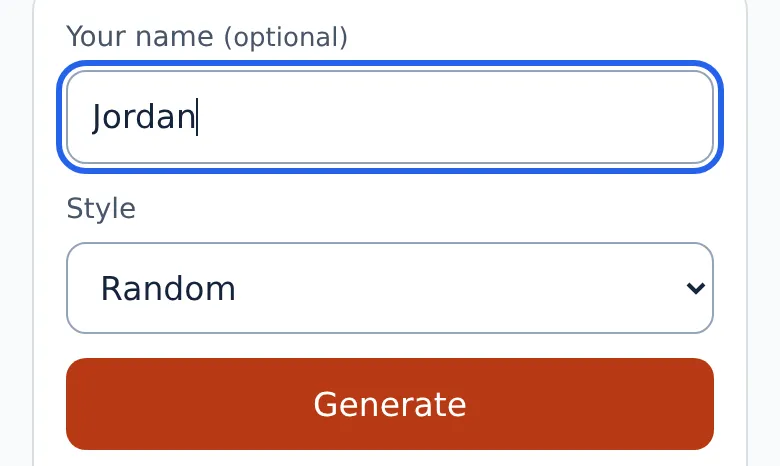
Click the box labeled Your name and type a first name, with or without a last name. Leave it empty if you want surprises: the generator then returns random results that do not depend on any name. The From your name style is the one exception, because it has nothing to work from without a name.
Step 2: Choose a style
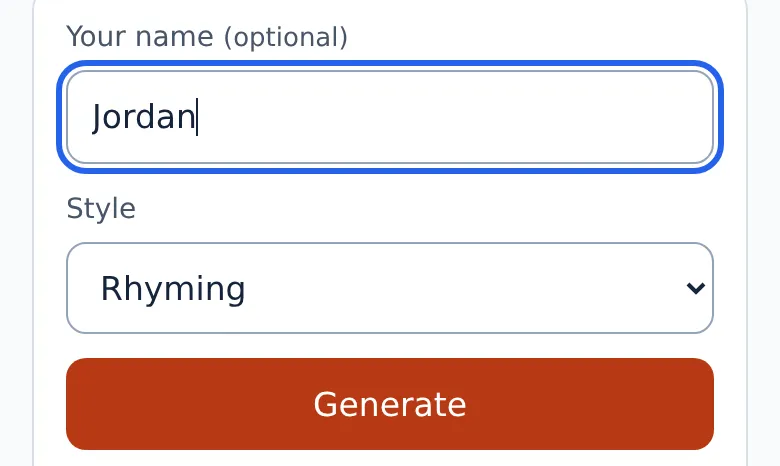
Open the Style menu and pick the kind of nickname you want. The generator has eleven styles:
- Random
- From your name
- Rhyming
- Fighter (MMA / UFC)
- Sports
- Aesthetic
- Dark / villain
- Boyfriend
- Girlfriend
- Aunt / family
- Couple
Step 3: Generate, refresh and copy
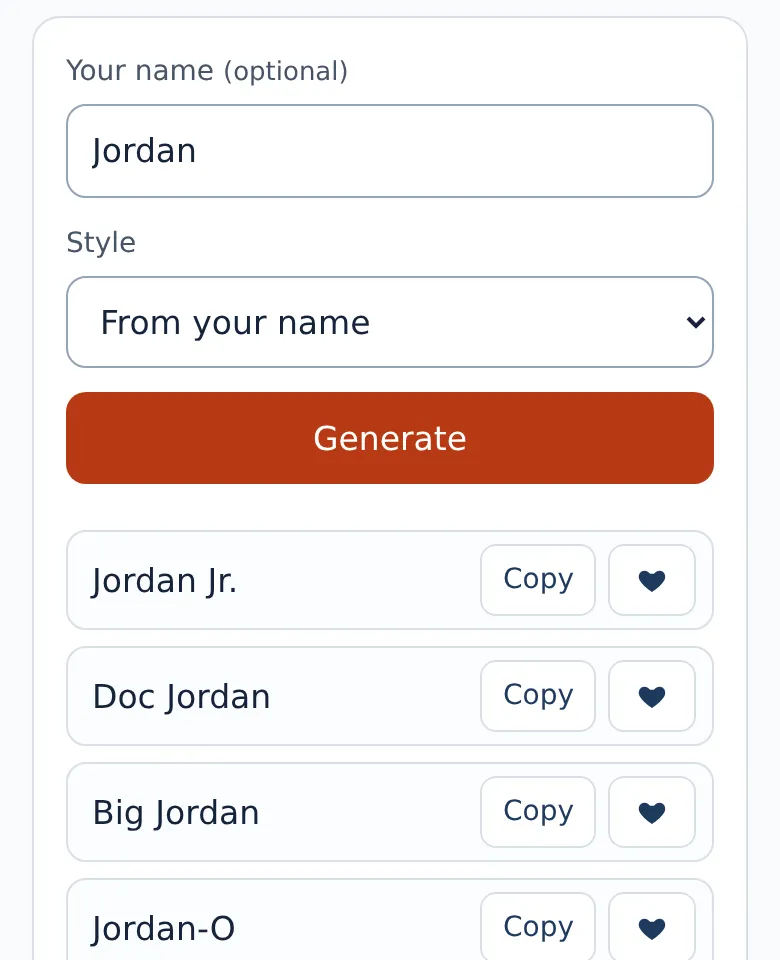
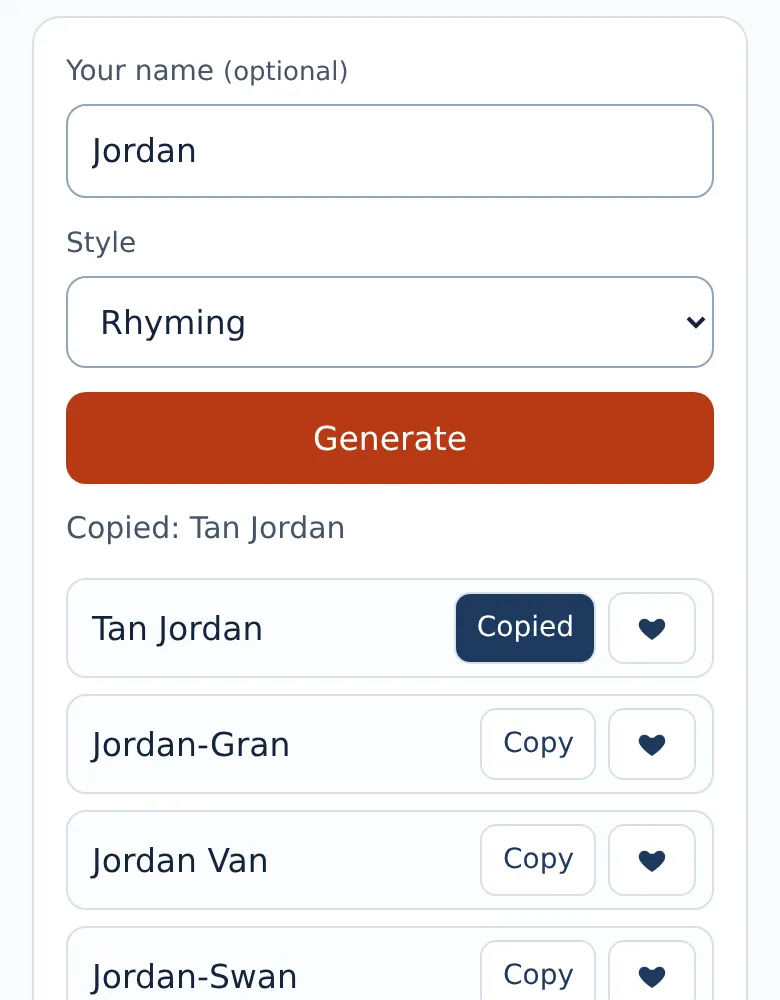
Press Generate to get a list of 24 nicknames. Press it again for a different set, as often as you like. Each result has a Copy button, and a heart button if you want to mark a favorite.
Pasting your nickname into apps and games
After you press Copy, the page shows a short Copied message. Open the app, game or profile where you want the name, tap the name field and paste. Apps and games set their own rules for length and symbols, so check the official help page of the service if a name is rejected, and try a shorter result from the same style. Symbols such as ★ ✦ ♡ ☆ ✿ ♛ ⚡ ✧ ❀ ☾ are the first thing many apps refuse, so remove them before anything else. For example, if ★ Jordie ★, ✦ Jordie ✦ or ♡ Jordie ♡ is rejected, plain Jordie, a result from the From your name style, is the version to try next. Frames such as ꧁ ꧂, ༺ ༻ or ꒰ ꒱ and sparkles like ⋆ ✩ ✧ ❥ get the same treatment.
You can read more about the site or go back to the nickname generator to try your own name.